After learning the singleplayer basics of cardslinging your way up the tower, it’s time to learn how Slay the Spire 2 multiplayer works. It’s not that complicated, really, but I didn’t expect the deckbuilding roguelite to add co-op to begin with, so I had trouble seeing Mega Crit’s initial vision. It’s as clear as day now.
I’ve been having blast deckbuilding and doodling with friends, and am happy to report multiplayer isn’t some unfamiliar departure from solo spire runs. If you’re ready to team up and give it a go, I’ve got a breakdown on how Slay the Spire 2 multiplayer works, including how to start a co-op game and system changes.
How to start a Slay the Spire 2 co-op game
You start a Slay the Spire 2 co-op game by having one Host player create a multiplayer save, and then up to three other players can join through the main menu. The Host must be Steam friends with everyone joining; there are no password protected lobbies or matchmaking queues.
Article continues below
There’s no local co-op either, but I’m trying to stay optimistic on that front since it’s in early access. Anyway, setting up a Slay the Spire 2 multiplayer game takes just a few steps.
Setting up a co-op save
- Choose a save profile with the character you would like to use unlocked
- Select ‘Multiplayer‘ from the main menu
- One player will select ‘Host‘ and setup a lobby; others click ‘Join‘
- Everyone chooses a character to play (yes, you can all be The Silent)
That’s all there is to it for getting started, but Slay the Spire 2 plays a tad different in co-op mode. It’s not overly complicated, but there are a few details to keep in mind for maintaining your multiplayer saves and how some mechanics change.
How do Slay the Spire 2 co-op save files work?
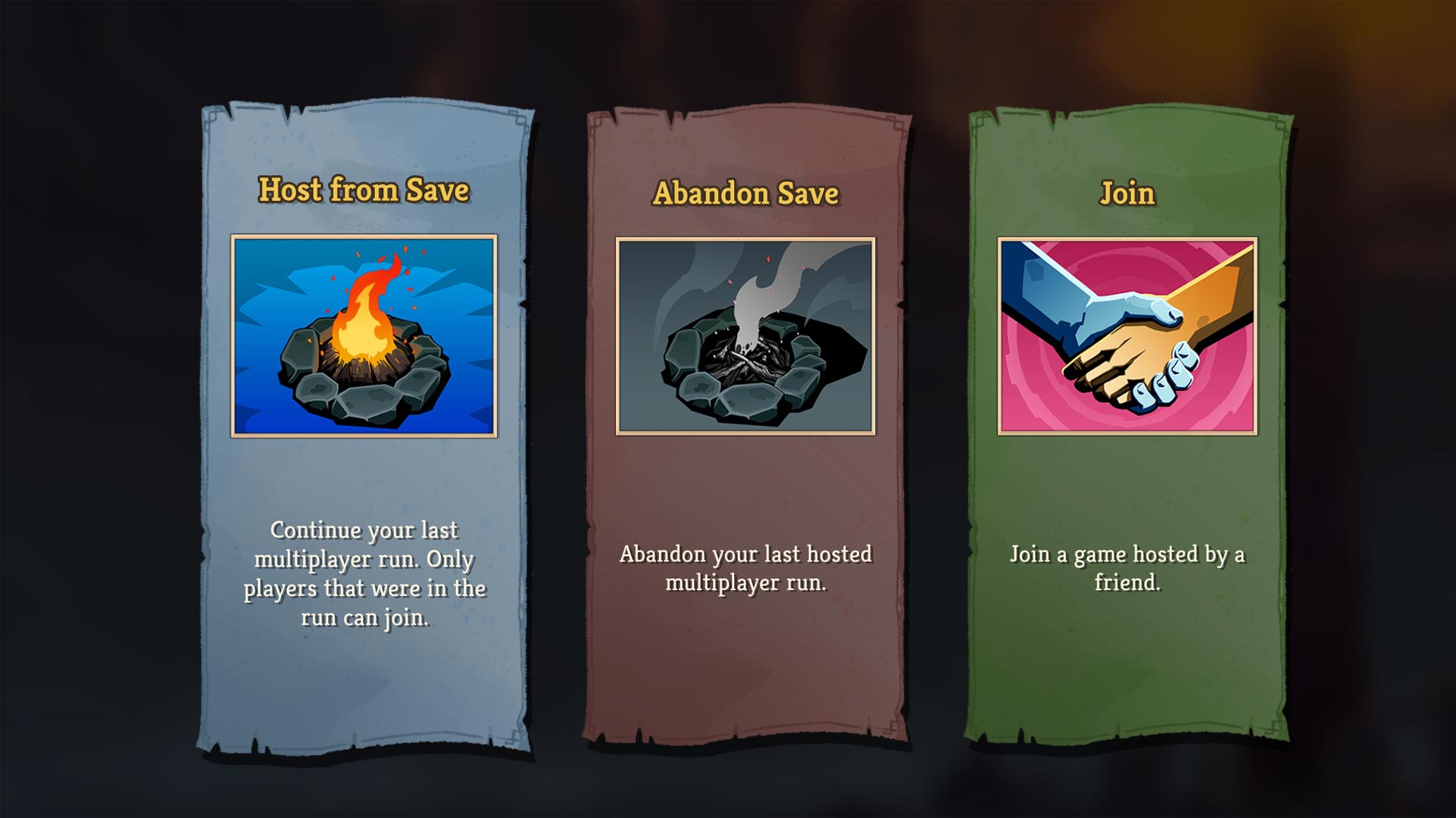
Before starting a new climb to the top, I suggest a quick skim over how Slay the Spire 2 co-op save files work. Some are obvious details, sure, but I learned the hard way you can’t sub other players in to fill an abandoned spot midway through a campaign.
Save files: Profiles, hosting, and parties
- Every player has (3) profiles, each can host (1) campaign at a time
- New profiles only have access to Ironclad and must unlock the rest again
- The Host owns the save; it’s tied to their respective profile
- You’ll have to abandon the save to host another game with new players
- All players must be present from the beginning; you cannot add a player later
- You can quit at any time, but all players must be present to continue playing
How does Slay the Spire 2 multiplayer work?
Image 1 of 4
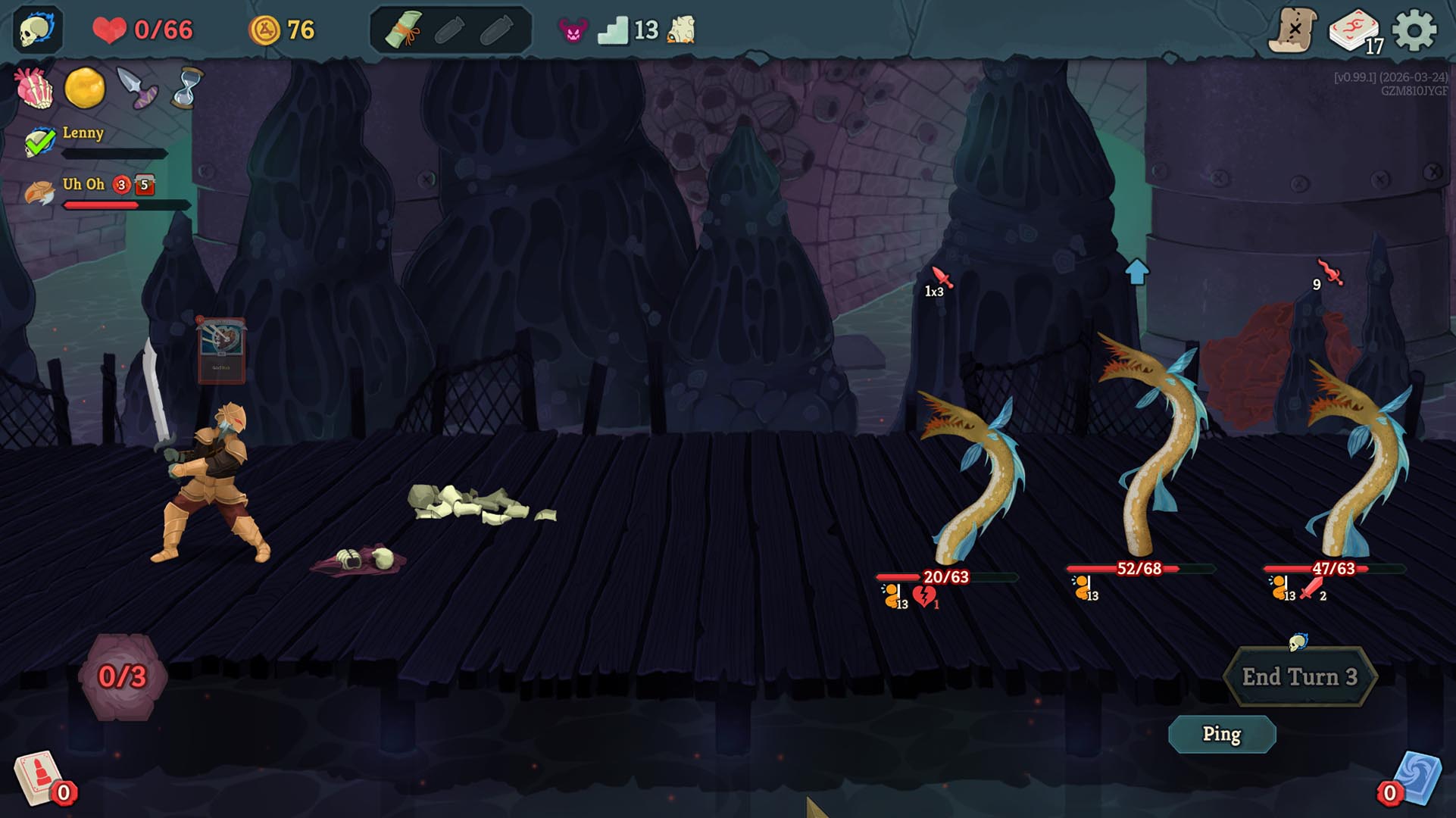
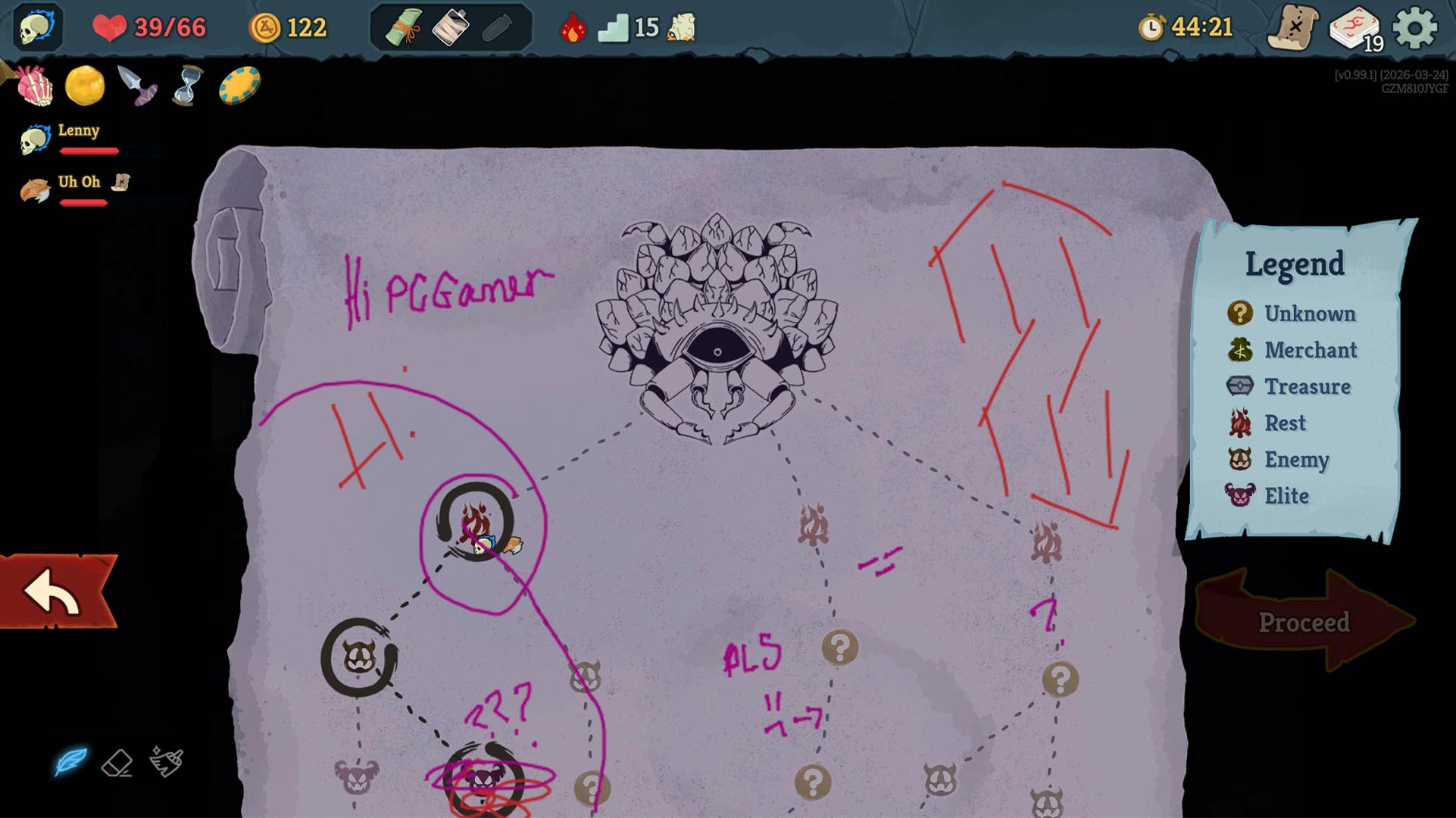
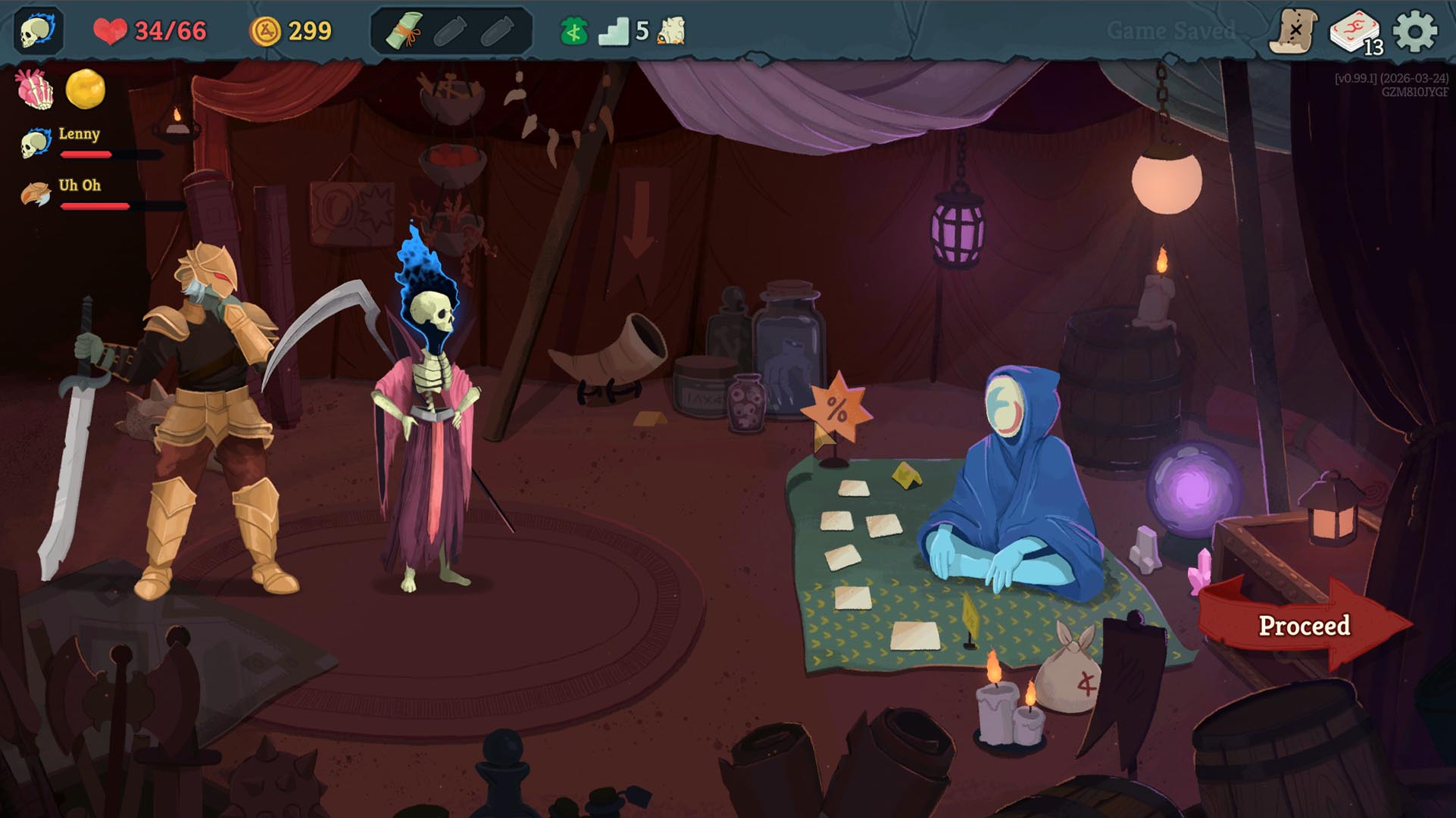
It’s easiest to think of Slay the Spire 2 multiplayer campaigns in terms of any traditional RPG party: You’re a group of individuals moving as a unit, a team. You’ll have decisions to make together (like do we go right, or left?), but you’ll all have your own inventory, gold stash, and personal choices to make.
That’s the big picture, but here are more granular Slay the Spire 2 multiplayer rules:
Battle mechanics: Enemies, Energy, and rewards
- Enemy stats scale and change based on your party size
- Enemy attacks hit the entire party
- Energy is not shared between players; everyone has their own pool
- Players can spend their Energy at any time during the party’s turn
- All players must select ‘End Turn’ for the match to continue
- On death, players are revived after the battle if the party wins
- Loot rewards (relics, items, gold, cards) are not shared; everyone gets their own
- Special multiplayer cards also appear while playing in co-op
Map mechanics: Ancients, relics, and events
- Everyone has their own, separate inventory for relics, items, cards, and gold
- Players can agree on the same path up the spire, or disagree and let RNG decide
- Ancients give every player their own random options and let them choose
- Random events also let players make different choices with different outcomes
- Campfires add the option to Mend (restore 30% of one ally’s HP)
- The Shopkeeper offers different items, cards, and prices to each player
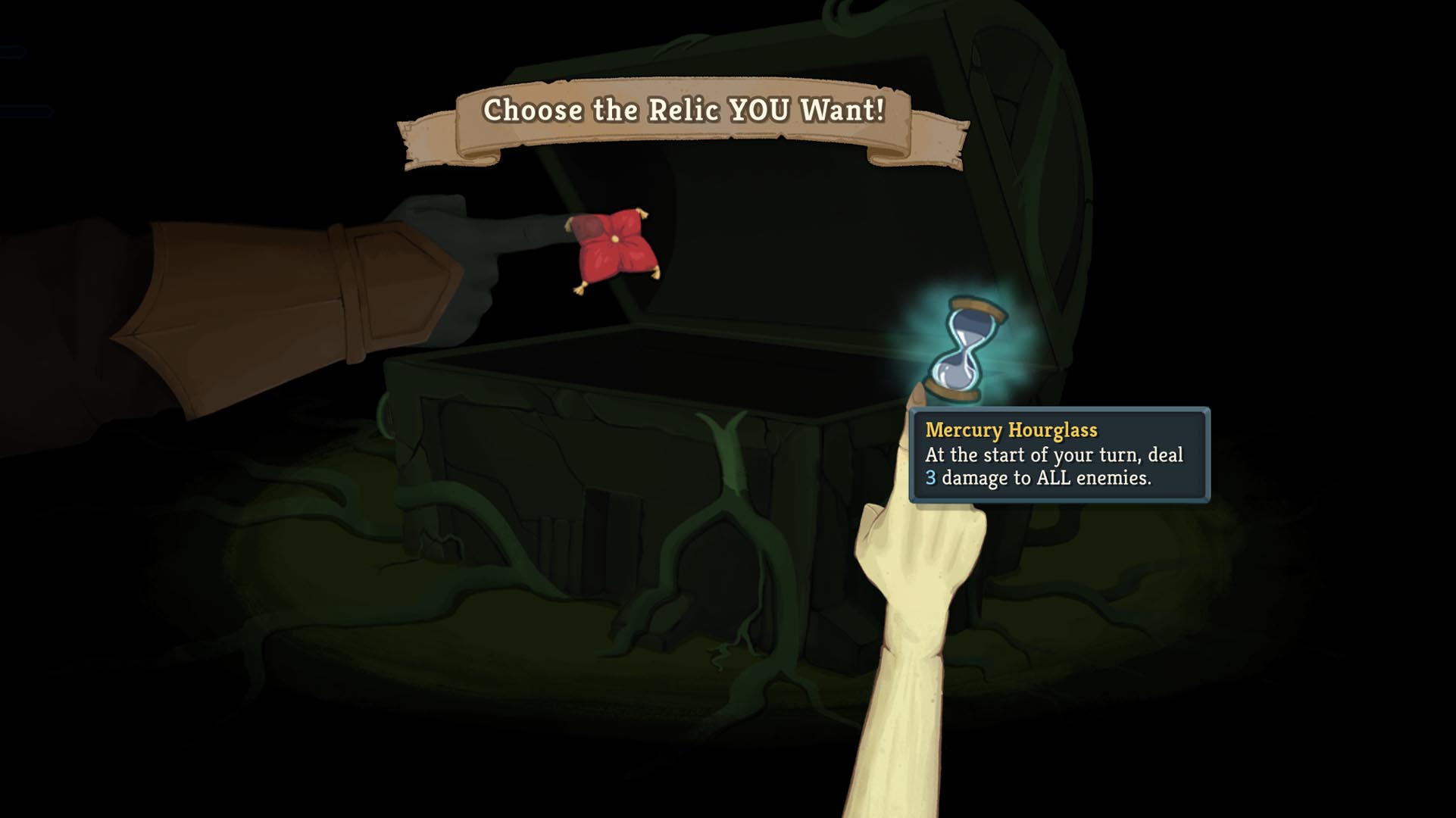
- Treasure Chests have one reward per player, and players pick which they want
- If two players pick the same reward, RNG decides who gets what
How does Ascension work in Slay the Spire 2 multiplayer?
Slay the Spire 2’s multiplayer Ascension progression is separate from any additional modifiers you’ve unlocked per character in singleplayer. You’ll have to start from scratch, but unlocking Ascension levels in multiplayer works the same way: Beat all three acts (but in a team of 2-4).
Multiplayer Ascension
- Singleplayer and multiplayer Ascension levels are independent from each other
- Multiplayer Ascension levels can be earned with separate groups
- Ascension levels are also unlocked for all characters in multiplayer
- The game uses the Ascension level of the lowest player in the party
- If you want to play at Ascension Level 4, everyone needs to have it unlocked
Read the full article here