SUBSCRIBE
Tech Journal Now
  • Home
  • News
  • AI
  • Reviews
  • Guides
  • Best Buy
  • Software
  • Games
Reading: How to complete Communication Hideout in Arc Raiders
Share
Tech Journal NowTech Journal Now
Font ResizerAa
  • News
  • Reviews
  • Guides
  • AI
  • Best Buy
  • Games
  • Software
Search
  • Home
  • News
  • AI
  • Reviews
  • Guides
  • Best Buy
  • Software
  • Games
Have an existing account? Sign In
Follow US
© Foxiz News Network. Ruby Design Company. All Rights Reserved.
Tech Journal Now > Games > How to complete Communication Hideout in Arc Raiders
Games

How to complete Communication Hideout in Arc Raiders

News Room
Last updated: November 25, 2025 11:15 am
News Room
Share
4 Min Read
SHARE

The Communication Hideout quest in Arc Raiders has a few tricky steps, one of which involves locating a missing battery cell around the Red Tower, while another involves tracking down a terminal concealed around the outside of the building. On the plus side, though, this quest doesn’t require you to extract anything, so you can bring a free loadout.

On the whole, it’s a pretty straightforward quest all centered in and around Red Tower, so here’s how to complete it and overcome those trickier stages, like finding the missing battery cell and the antenna terminal.

Find the missing battery cell and power up the generator

The battery is located in a box to the northeast of Red Tower (Image credit: Embark Studios)

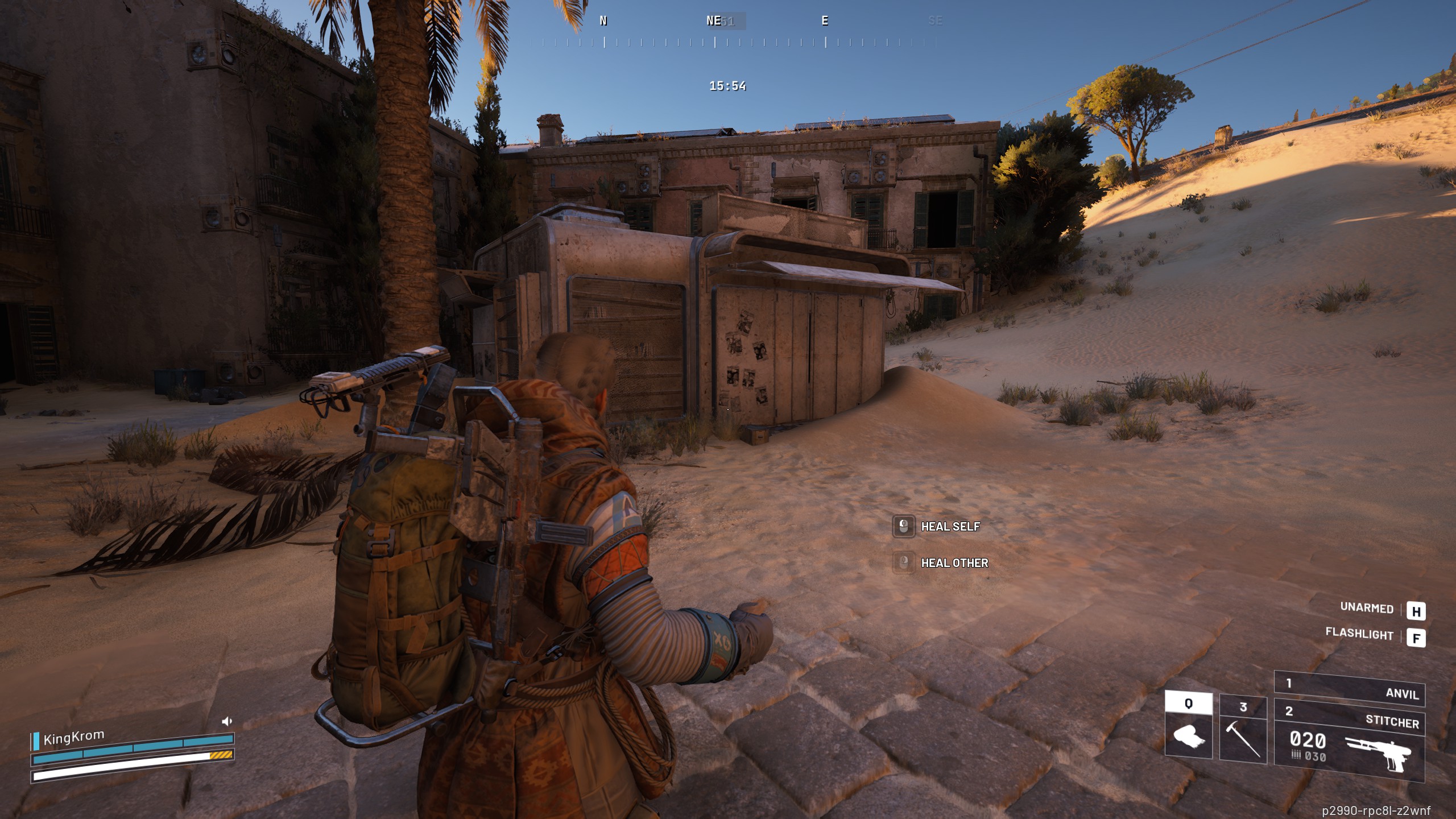
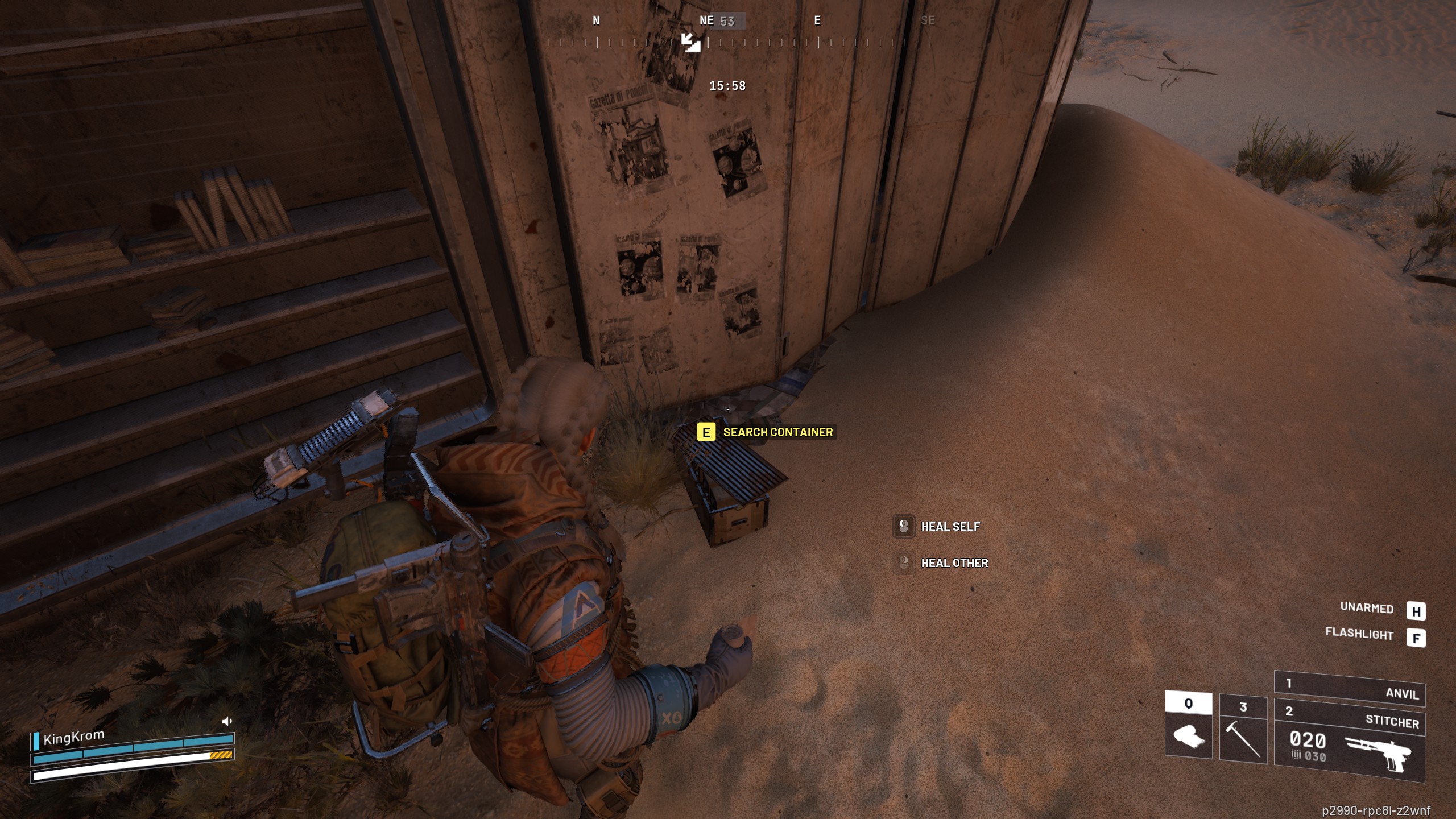
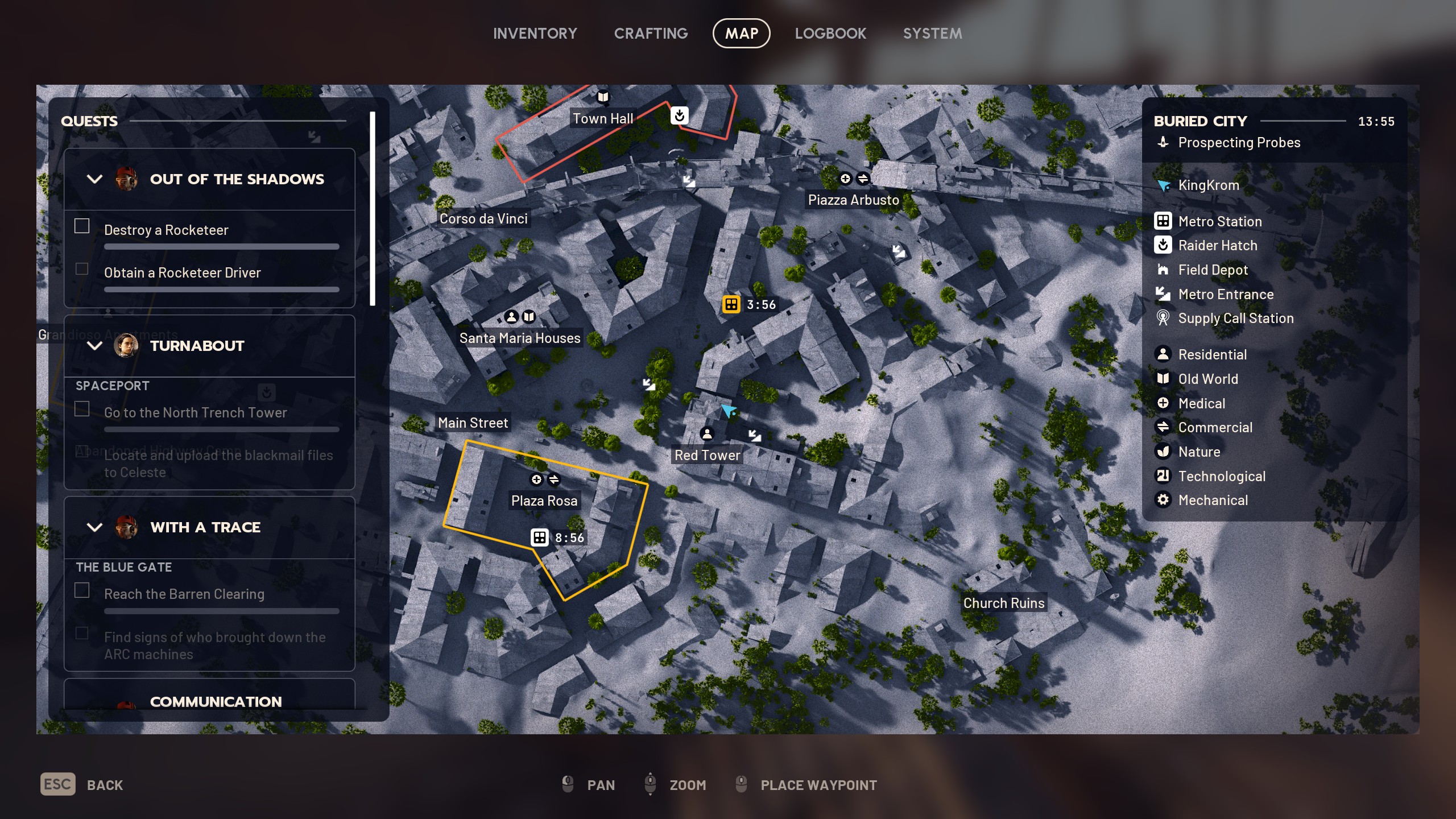
First off, you’ll need to head to the Red Tower location in the south of the Buried City, where you’ll then be asked to “Find the missing battery cell”. This is located in a metal box in the street to the northeast of Red Tower, marked on the map above. You’ll find a yellow-marked metal box against the side of a boarded-up kiosk next to a palm tree—this resembles the boxes you’ve found previous quest items in. Simply interact with it to produce the missing battery cell.


Best picks for you

Image 1 of 4

Arc Raiders Communication Hideout quest - Kiosk
The box with the battery is just against the kiosk outside(Image credit: Embark Studios)

Arc Raiders Communication Hideout quest - Battery box
Interact with the box to get the battery(Image credit: Embark Studios)

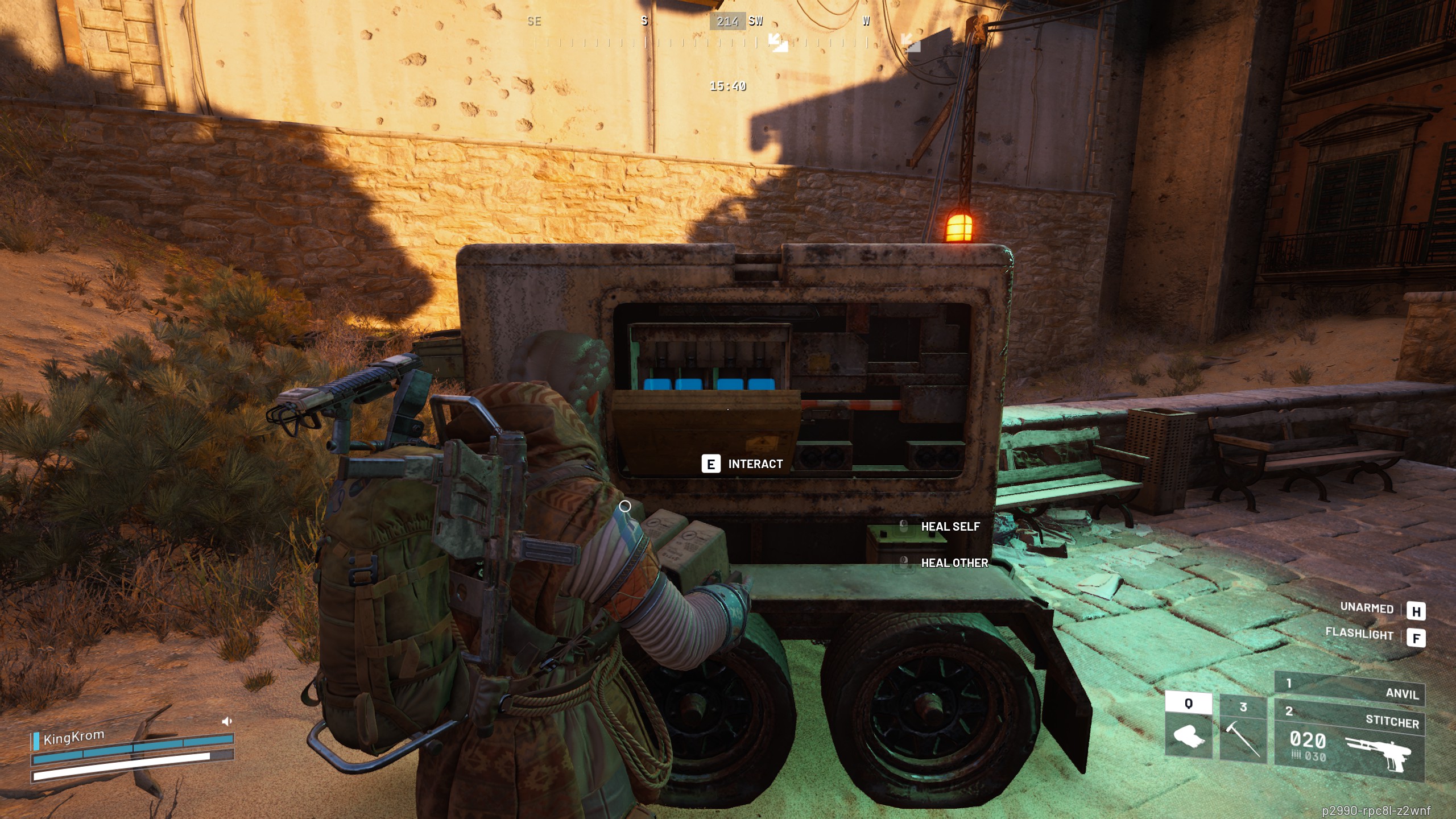
Arc Raiders Communication Hideout quest - Generator
Pick it up and install it in the generator behind you(Image credit: Embark Studios)

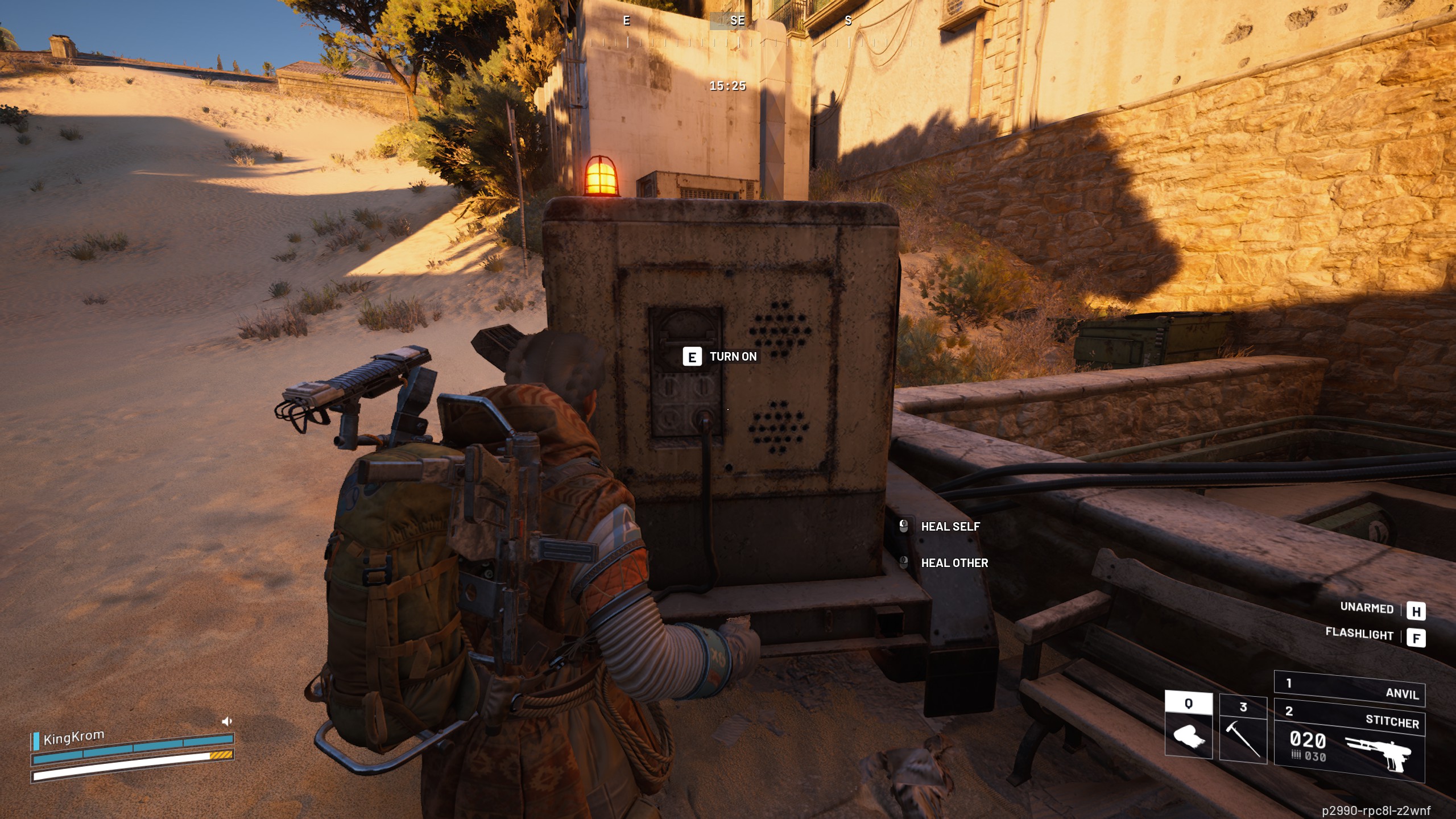
Arc Raiders Communication Hideout quest - Turning on generator
Interact with the power switch on the generator to turn it on(Image credit: Embark Studios)

Now you need to “install the battery cell in the generator”. Turn around from the box and the kiosk to spot a small generator on the street wired up to the tower (right next to the subway entrance), with a slot where you can place the battery, similar to when opening a Field Crate at a depot. Once that’s done, hit the switch on the end of the generator to “enable power”, and you’re ready to head up into the tower

Boot the antenna terminal near the Red Tower
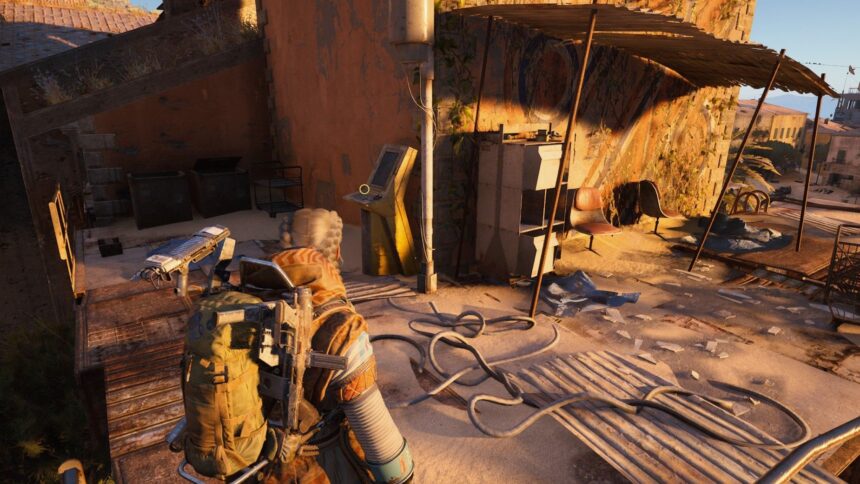
Arc Raiders Communication Hideout quest - Terminal location

The terminal is on the outside platform on the upper level of the Red Tower (Image credit: Embark Studios)

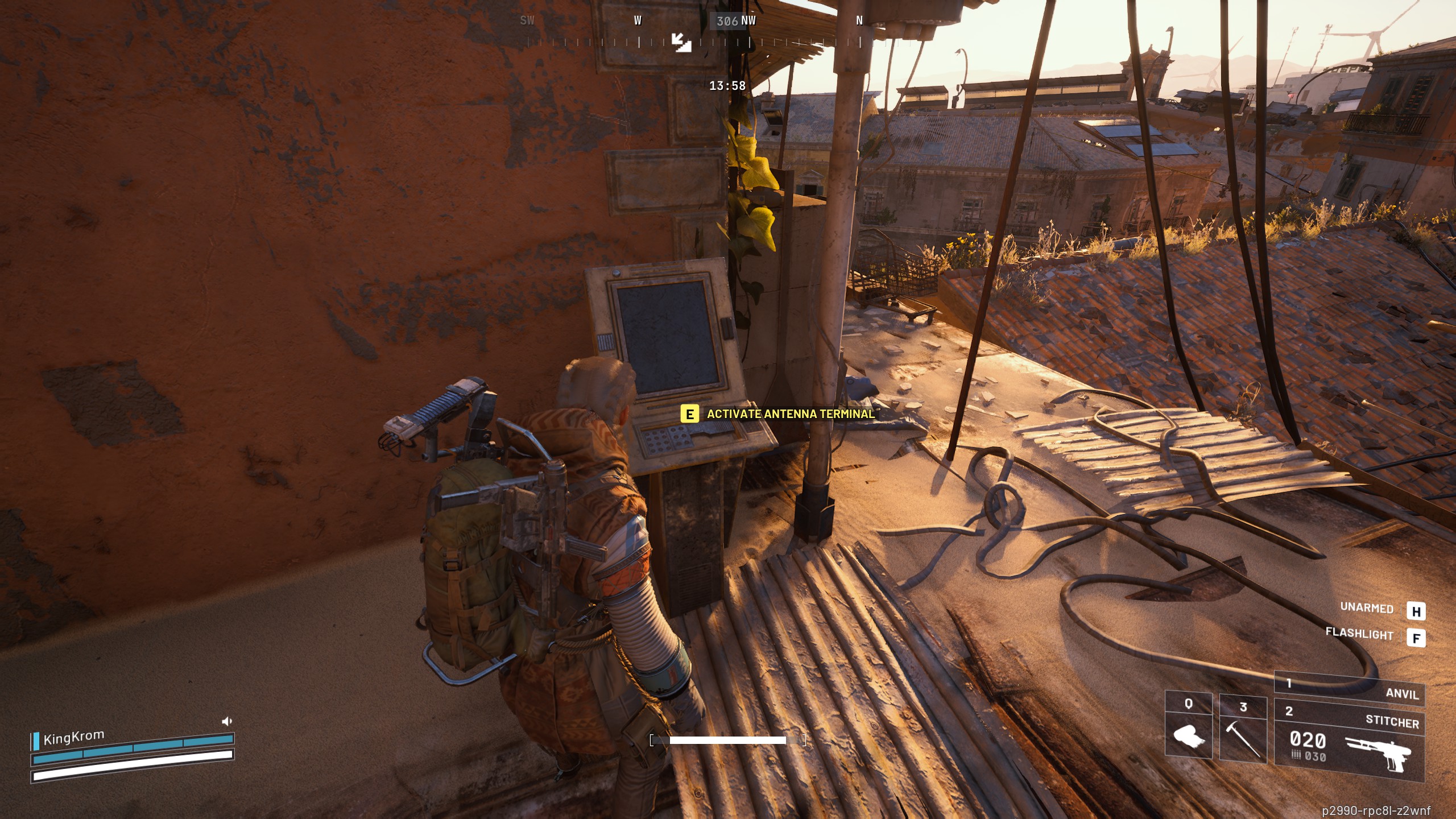
The final step is to boot the antenna terminal on the Red Tower, and this is quite tricky to locate. Go inside the Red Tower through the window just right of the generator, climb the stairs and head out onto the roof platform, using the ladder to climb to the upper level.

Image 1 of 2
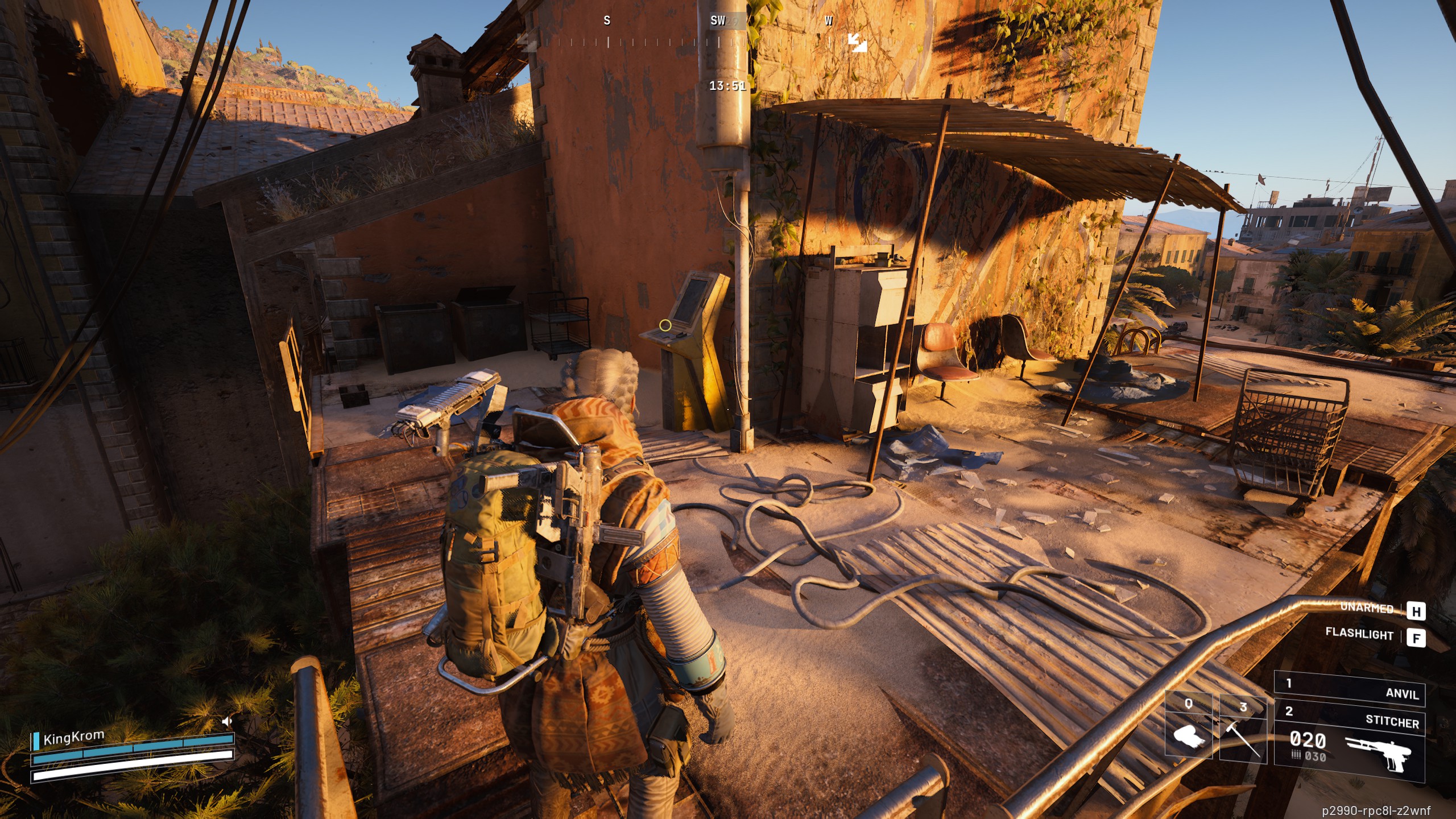
Arc Raiders Communication Hideout quest - Terminal on roof platform
Climb up onto the exterior platform and go around the corner(Image credit: Embark Studios)

Arc Raiders Communication Hideout quest - Terminal
Interact with the terminal to complete the quest(Image credit: Embark Studios)

Now turn immediately right, head along the platform around the outside of the Red Tower and go around the corner to find the yellow-marked terminal. Interact with this and you’ve completed the quest.

Keep up to date with the most important stories and the best deals, as picked by the PC Gamer team.

Read the full article here

You Might Also Like

With a lawsuit looming, World of Warcraft private server Turtle WoW has issued a formal plea for a fan server licensing: ‘We hope that Blizzard embraces fan‑driven content as its own legacy, rather than alienate this passionate community’

Tekken boss announces retirement after 30 years in the most Harada way imaginable: a lengthy social media post and hour-long mixtape

How to complete In My Image in Arc Raiders

Finally, Arc Raiders is the extraction shooter for people with jobs, and it’s all the better for it

WoW’s new player housing feature’s been out in early access for less than a week, and players have already made battleships, dollhouses, and large hadron colliders

Share This Article
Facebook Twitter Email Print
Leave a comment Leave a comment

Leave a Reply Cancel reply

Your email address will not be published. Required fields are marked *

- Advertisement -
Ad image

Trending Stories

Software

Microsoft Copilot can boost your writing in Word, Outlook, and OneNote — here’s how – Computerworld

December 16, 2025
Games

Arc Raiders devs are uplifted by how kind players have been to one another, but admit ‘we’re way worse people than the community’ when it comes to engaging in PvP

December 16, 2025
Games

Hades 2 lead says they didn’t nerf the game’s most popular boons, but rather found ‘new homes’ for them during early access development

December 16, 2025
Games

Here’s the Arc Raiders Cold Snap release time for your region

December 16, 2025
AI

Nvidia bets on open infrastructure for the agentic AI era with Nemotron 3 – Computerworld

December 16, 2025
Games

Arc Raiders interview: Embark talks behavior-based matchmaking, map updates, and playing nice with strangers

December 16, 2025

Always Stay Up to Date

Subscribe to our newsletter to get our newest articles instantly!

Follow US on Social Media

Facebook Youtube Steam Twitch Unity

2024 © Prices.com LLC. All Rights Reserved.

Tech Journal Now

Quick Links

  • Privacy Policy
  • Terms of use
  • For Advertisers
  • Contact
Welcome Back!

Sign in to your account

Username or Email Address
Password

Lost your password?