SUBSCRIBE
Tech Journal Now
  • Home
  • News
  • AI
  • Reviews
  • Guides
  • Best Buy
  • Software
  • Games
Reading: How to play with friends in Hytale
Share
Tech Journal NowTech Journal Now
Font ResizerAa
  • News
  • Reviews
  • Guides
  • AI
  • Best Buy
  • Games
  • Software
Search
  • Home
  • News
  • AI
  • Reviews
  • Guides
  • Best Buy
  • Software
  • Games
Have an existing account? Sign In
Follow US
© Foxiz News Network. Ruby Design Company. All Rights Reserved.
Tech Journal Now > Games > How to play with friends in Hytale
Games

How to play with friends in Hytale

News Room
Last updated: January 13, 2026 6:01 pm
News Room
Share
3 Min Read
SHARE

Hytale’s multiplayer is much less complicated than it looks, though the lack of an option to invite friends right from the main menu doesn’t make things obvious when starting out. Nevertheless, you can play the entire game alongside a group of friends, which makes all the difference when you’re exploring a fresh world.

Below, I’ll go over how to invite friends to your Hytale world. Take note that this is different from hosting a dedicated server; for that, you’ll want Hypixel’s complicated Hytale server manual, though most players won’t ever need to worry about this.

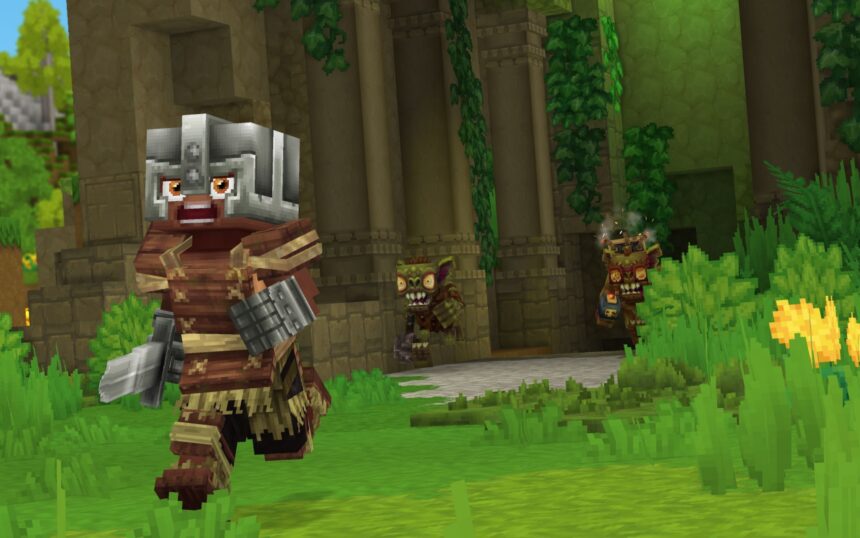
How to play with friends in Hytale

(Image credit: Hypixel)

To invite friends and play Hytale multiplayer, the host first needs to setup the world correctly. You need to:


Related articles

  1. Create a world (yes, as if playing singleplayer)
  2. Open the pause menu and select ‘online play’
  3. Enable the ‘allow other players to join’ option
    1. You can optionally set a password to restrict access to only those with the code, and have it automatically included in your share code
  4. Click ‘save’ to generate a share code (warning: this code includes your IP address, so don’t share it with strangers)
  5. Copy the share code and send it to your friends

Image 1 of 2
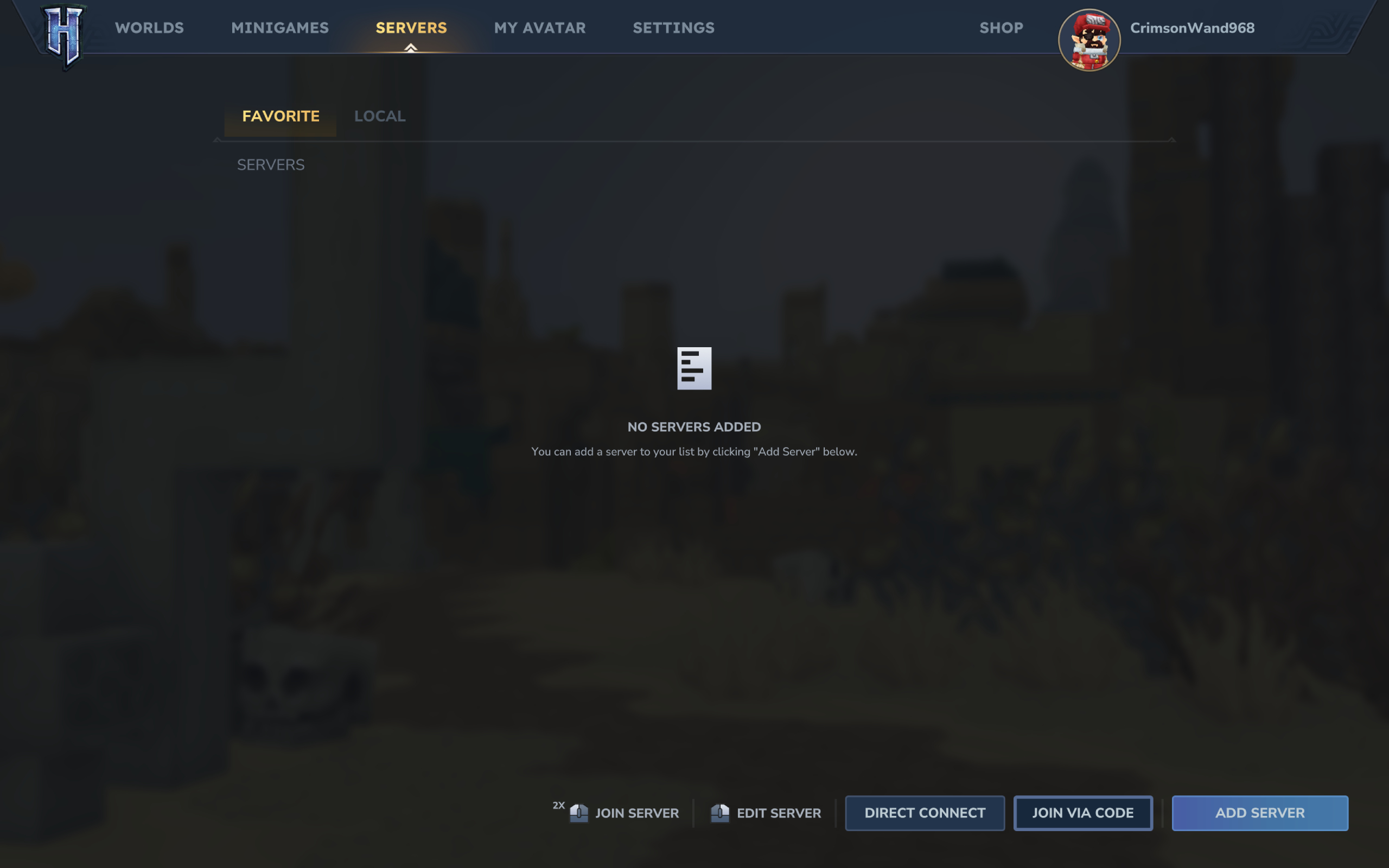
Hytale multiplayer server: The server menu where you can select to join a multiplayer world using a share code.
(Image credit: Hypixel)

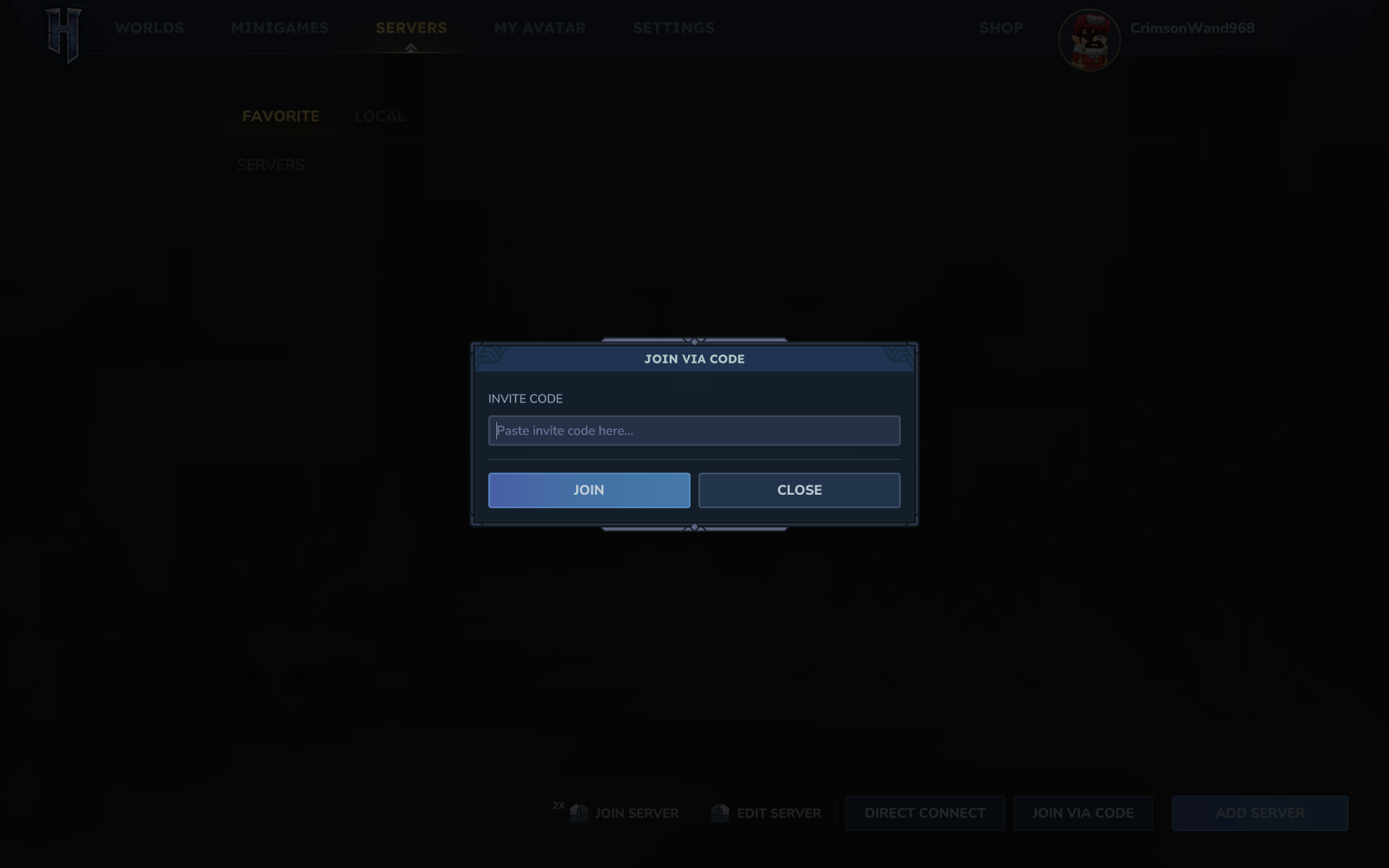
Hytale multiplayer server: The box to input a friend's share code.
(Image credit: Hypixel)

Then, you need your friends to use said share code to join your multiplayer world. Those joining need to:

  1. Enter the Server page on the main menu
  2. Click ‘join via code’ in the bottom right corner
  3. Paste the share code
  4. Enter the server password if one is set by the host and not set to automatically be included in the code
  5. Click ‘connect’ to join the world

Once you’ve set up the server correctly and your friends have entered the code in the main menu, you should be all good to go. You can enable and disable multiplayer at any point, too, so don’t worry if you’re a few hours into your world.

Keep up to date with the most important stories and the best deals, as picked by the PC Gamer team.

Read the full article here

You Might Also Like

Like a good ol’ southern potluck, South of Midnight had me going back to play for seconds, and then thirds, thanks to all its little details

The developer of 80 Days was once invited to pitch a Doctor Who game, but never heard back from the BBC afterward: ‘Technically, we’re still waiting for a reply’

Star Wars: Fate of the Old Republic—Everything we know about our return to a galaxy far, far away

‘We’ve got some big changes coming in Season 1’: Call of Duty: Black Ops 7’s design director talks buffing aim assist, adjusting spawn locations, and a drone pod nerf ahead of the next season

Brennan’s latest trick on Critical Role is actually one he’s done before—breaking with D&D tradition to let players choose when they level up, instead of just after they’ve taken a really good nap

Share This Article
Facebook Twitter Email Print
Leave a comment Leave a comment

Leave a Reply Cancel reply

Your email address will not be published. Required fields are marked *

- Advertisement -
Ad image

Trending Stories

News

Seattle skyscraper renamed to JPMorganChase Center as banking giant expands footprint

January 15, 2026
Games

With only 2,300 hours to go until a full Ecco the Dolphin reveal, new details emerge about the forthcoming reboot

January 15, 2026
AI

Will Nvidia H200 chips go to China? – Computerworld

January 15, 2026
Games

Here’s one big benefit to Hytale not being on Steam: its refund policy is way better than Valve’s

January 15, 2026
News

Seattle-area startup Included acquired by Phenom in HR software deal

January 15, 2026
Games

How well do you know classic videogame cheats? See if you can answer these 10 tricky questions

January 15, 2026

Always Stay Up to Date

Subscribe to our newsletter to get our newest articles instantly!

Follow US on Social Media

Facebook Youtube Steam Twitch Unity

2024 © Prices.com LLC. All Rights Reserved.

Tech Journal Now

Quick Links

  • Privacy Policy
  • Terms of use
  • For Advertisers
  • Contact
Welcome Back!

Sign in to your account

Username or Email Address
Password

Lost your password?