Sony’s State of Play yesterday was, it seems, pretty well-received. We’ve got Metal Gear Solid 4 inbound on PC, God of War remakes (also, you have to believe, headed to our platform), and I can only assume everyone else is as euphoric about replaying Legacy of Kain: Defiance as I am.
But amid the hubbub came an easily-missed announcement that perked my ears up: the Metal Gear Solid Master Collection Volume 1 got its final big update, adding new high-resolution options to MGS1 and 3, keyboard settings (imagine!) for MGS1 and, well, nothing really for MGS2. Sorry, Raiden.
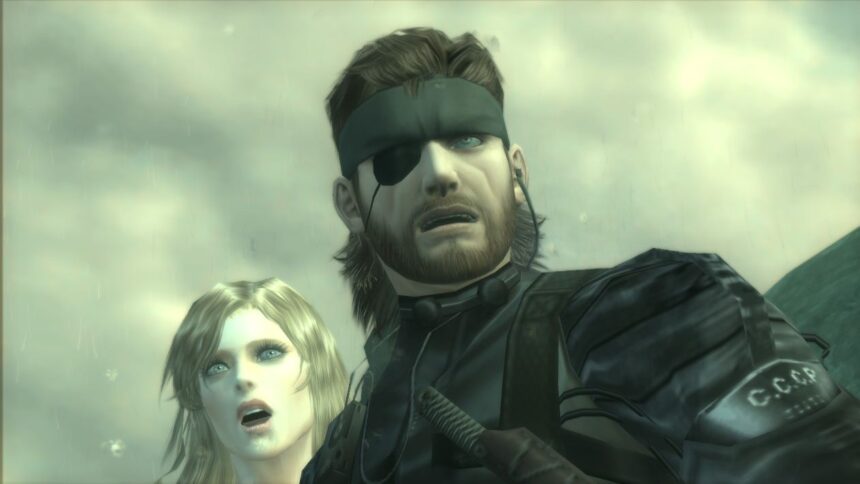
Is it worth it? Ah, well… kind of? I’ll give it this: Naked Snake has never been sharper, but the upscaling tech Konami has used also turns text that was, in the original textures, too blurry to read into jumbled gobbledegook. You can see what I mean in the pictures below.
Image 1 of 3
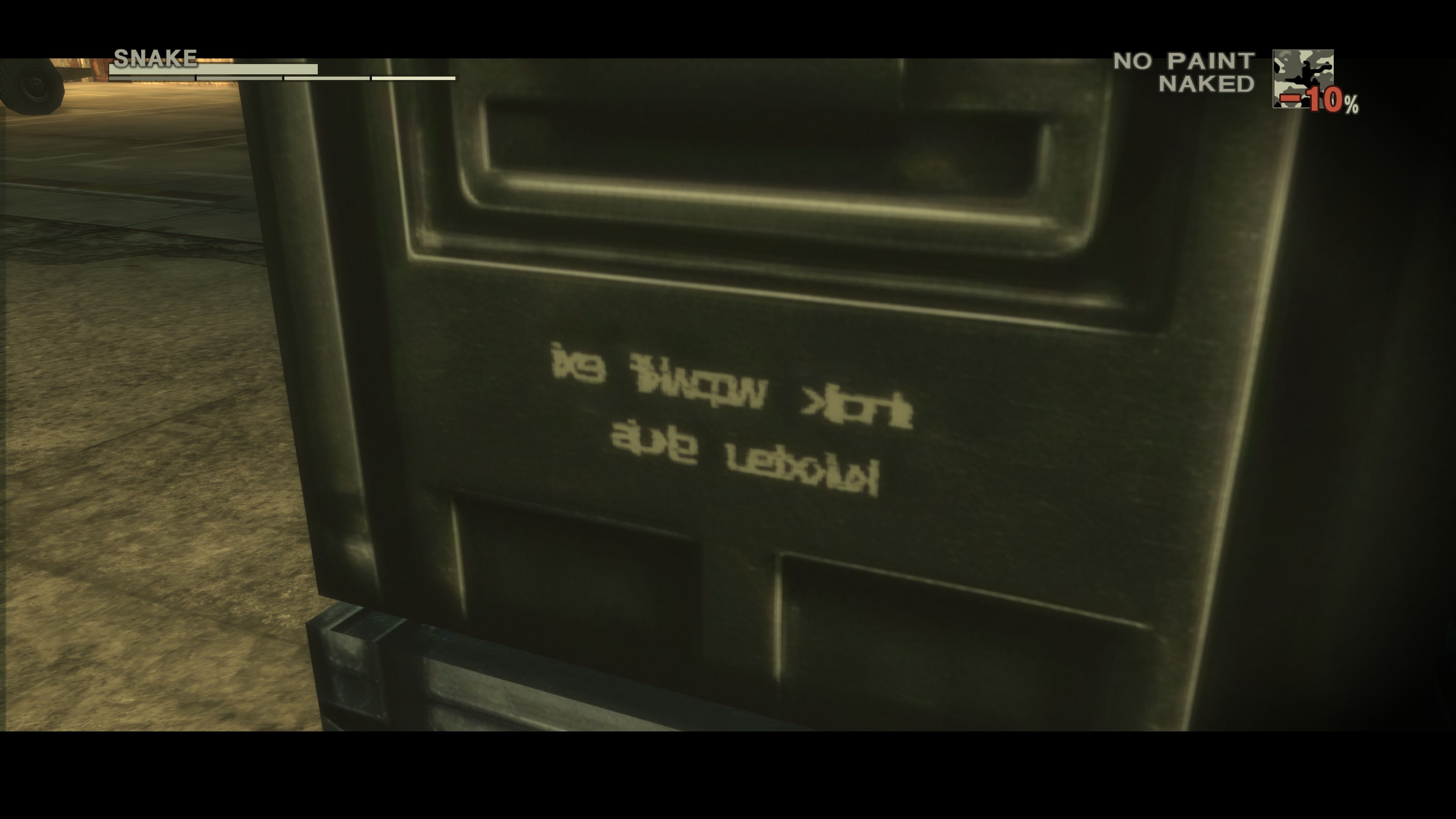
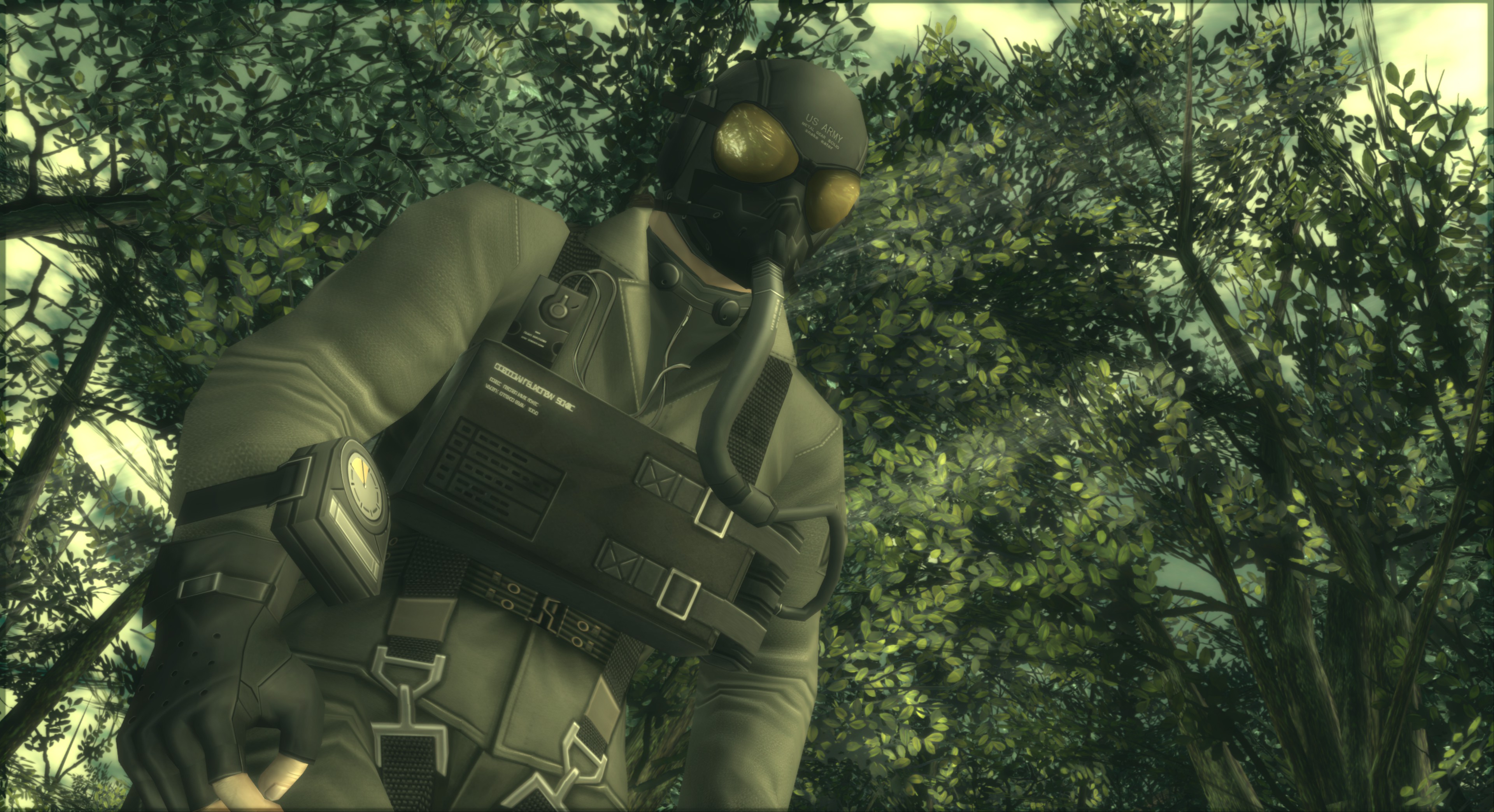
Looks pretty AI-ified to me, friends, though Konami hasn’t explicitly said it used the tech to make the pack. Perhaps the studio just thinks that’s what cyrillic looks like. The good news is, from my quick testing, text that was readable in the original textures remains so.
Anyway, the pack also lets you ratchet up MGS3’s internal resolution all the way to 4K, a far cry from the muddy mess the game was back when it launched in 2023.
MGS1? That’s a little simpler. No new DLC or size requirements for that one, just new options that let you set the game to either high or maximum resolution. Farewell PS1-era jaggies; now the game looks for all the world like the actual PC-native version of MGS1 you can still buy on GOG, all sharp and smooth. Your mileage may vary as to whether that’s good, of course.
One issue there, though: MGS1’s PS1 geometry/textures kind of struggle to keep up with the new, higher resolutions. You will notice white seams appearing across various parts of the game if you play at the new higher rez, and frankly, I’m not sure the trade-off is worth it.
It all comes out in the wash, though, because in addition to those keyboard settings I mentioned earlier, you can now switch the gamepad options to make A/X confirm and B/Circle cancel. It’s not historically authentic, but it does mean I stop accidentally backing out of menus when I mean to accept.
Here are the full patch notes.
- Screen Settings Expanded
- “Resolution” has been added to the Screen settings in the Options menu.
- In “Resolution”, you will be able to select between “Original”, “High Resolution”, and “Max Resolution”.These settings cannot be changed after starting the game.
- If the resolution is set to anything other than “Original”, you will be unable to change the smoothing and screen filter options, and the “Pixel Perfect” option in “Game Screen Settings” will be unavailable.
- Some setups may experience some instability if these settings are changed.
- Consider reverting back to the default settings if you experience any instability.
- Option to swap Confirm/Cancel buttons added
- Under Button Settings in the Options menu, you will be able to swap the confirm and cancel buttons.
- These settings cannot be changed after starting the game.
- Keyboard Settings added
- A Control Settings option will be added to the in-game pause menu.
- You can freely assign key bindings under Keyboard Settings within these Control Settings.
- Due to the addition of Control Settings, Controller Settings will be moved under Control Settings.
- Fixed some other minor issues and made other adjustments.
- Fixed some other minor issues and made other adjustments.
- New DLC “High Resolution Texture Pack” added
- For instructions on how to install the DLC on Steam, please refer to the Steam news post titled “How to install the DLCs”, which was posted on October 26, 2023.
- The following amount of free space will be required in order to install the High Resolution Texture Pack:
Steam:Approx. 70 GB - Please note that while installing the High Resolution Texture Pack is possible on the Steam Deck, it is not possible use it in-game.
- (1) “High Resolution Mode” preset added while using high-res pack
- A “High Resolution Mode” preset will be added to the Screen settings under the Options menu.
- In High Resolution Mode, the game will be displayed in greater detail compared to Adjusted Mode.
- The specific settings for the “High Resolution Mode” preset are as follows.
Internal Resolution: Maximum resolution possible on your device from FHD (1080p)/WQHD (1440p)/4K (2160p) Internal Upscaling: Maximum resolution possible from FHD (1080p)/WQHD (1440p)/4K (2160p)
Movie: High Resolution
Texture: High Resolution
- “Custom” preset expanded
- The number of options available for the “Custom” resolution setting in Screen settings under the Options menu will be expanded.
- (A) Increased maximum possible internal resolution
The maximum possible internal resolution increased.The maximum possible internal resolutions are as follows.
Steam®: 4K(2160p)
This option may not be available depending on your setup. - (B) Textures
High resolution textures can now be selected in addition to original textures.By selecting High Resolution, certain textures will be displayed at a higher resolution.
These settings cannot be changed after starting the game. Applying high resolution textures may cause longer loading times than previously. Some setups may experience some instability if these settings are changed. Consider reverting back to the default settings if you experience any instability.
- Fixed some other minor issues.
Master Collection Vol 1 Bonus Content
- Fixed some other minor issues.
Read the full article here