

JR Raphael, Foundry
This enhancement presents a bit of a choose-your-own-adventure-style path:
First, if you’re using a reasonably recent Samsung Galaxy gizmo, the option is should already be present and available in your standard Samsung home screen setup. Just press and hold any open space on your home screen and then select the option to add a widget — then, once the widget is added, press and hold it and look for the “Create stack” command.
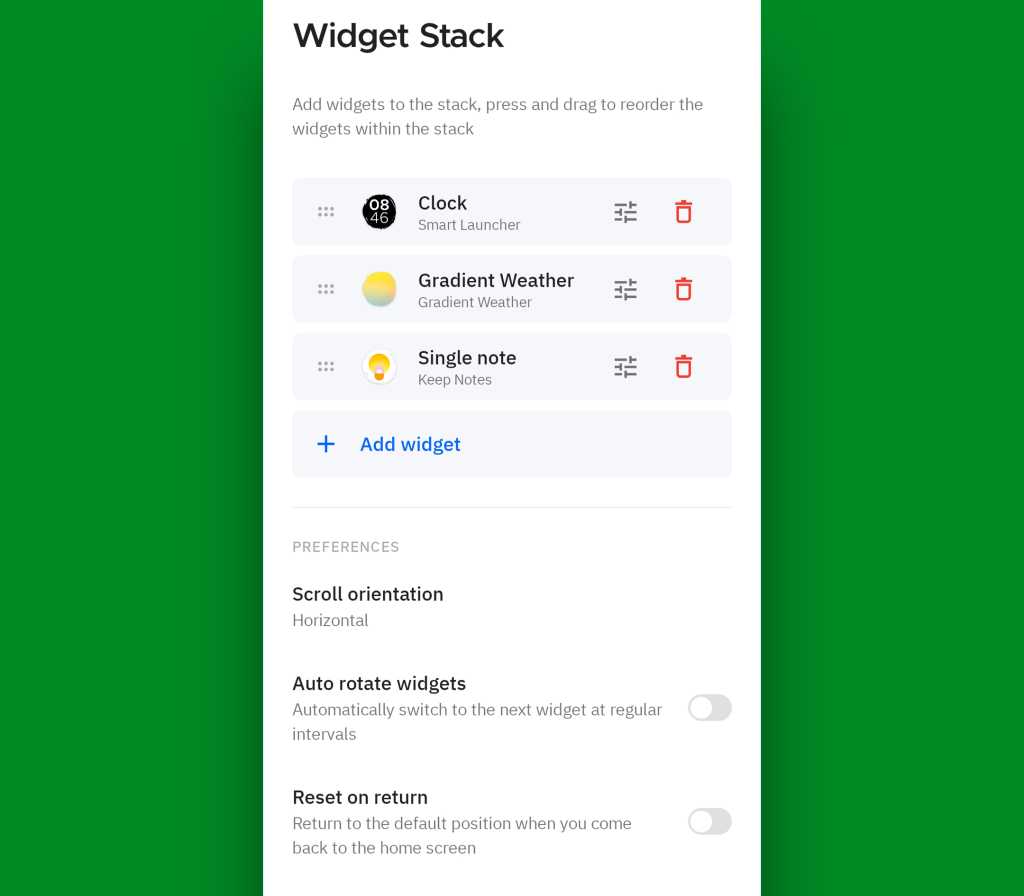
With any other Android gadget — or even with a Samsung device, if you want extra options and flexibility — you can use a custom Android launcher like the aforementioned Smart Launcher or Niagara as well as the retro-geeky T9-themed Key Launcher I introduced to you earlier this summer.
Those launchers replace your phone’s entire home screen environment and give you all sorts of interesting new possibilities for optimizing your interface and making it especially well-suited for you. And the stacked widget feature is just one small sliver of what they offer and how they’ll transform your Android experience.
JR Raphael, Foundry
So there ya have it: five wacky, wild, wonderful ways to make widgets even more wow-inducing. Some days, you’ve just gotta love Android and the endless customization, control, and power it provides.
Put even more Googley goodness in your noggin with my free Android Intelligence newsletter — one exceptional new thing to try every Friday!
Read the full article here