


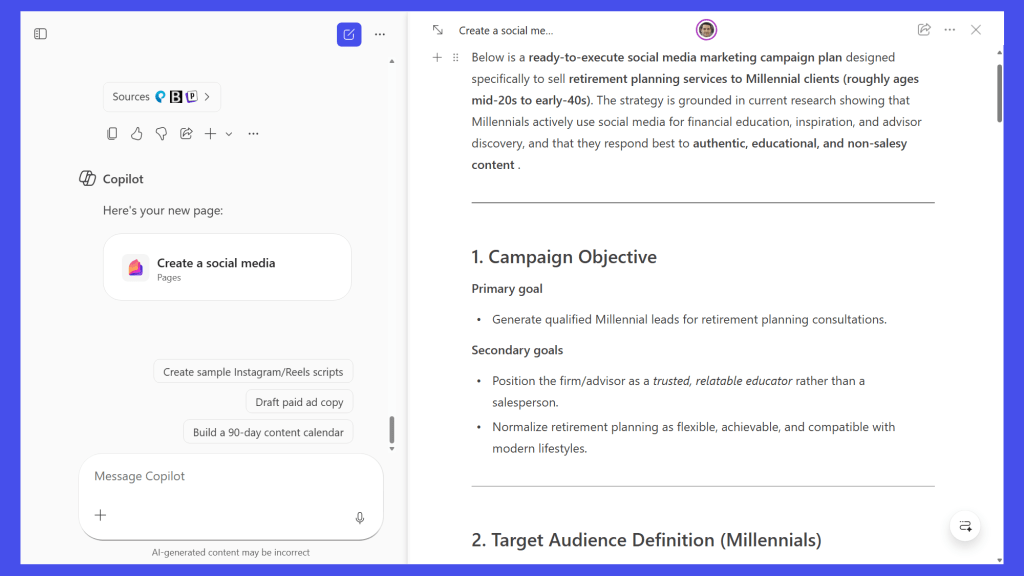
When you’re working with Microsoft Copilot to create a business document, you might find yourself torn between two opposing instincts. Part of you is itching to edit its output right away, while another part wants to keep prompting the AI assistant to refine the generated text.
Turns out you can do both.
The Pages feature in the M365 Copilot app is a dynamic text editor that works in a window alongside your Copilot chat. It lets you turn the AI’s response into a persistent document (a “page,” in Microsoft parlance) that you can edit manually while continuing to collaborate with Copilot on it.
You can also invite your co-workers to collaborate…
Read the full article at COMPUTERWORLD.COM